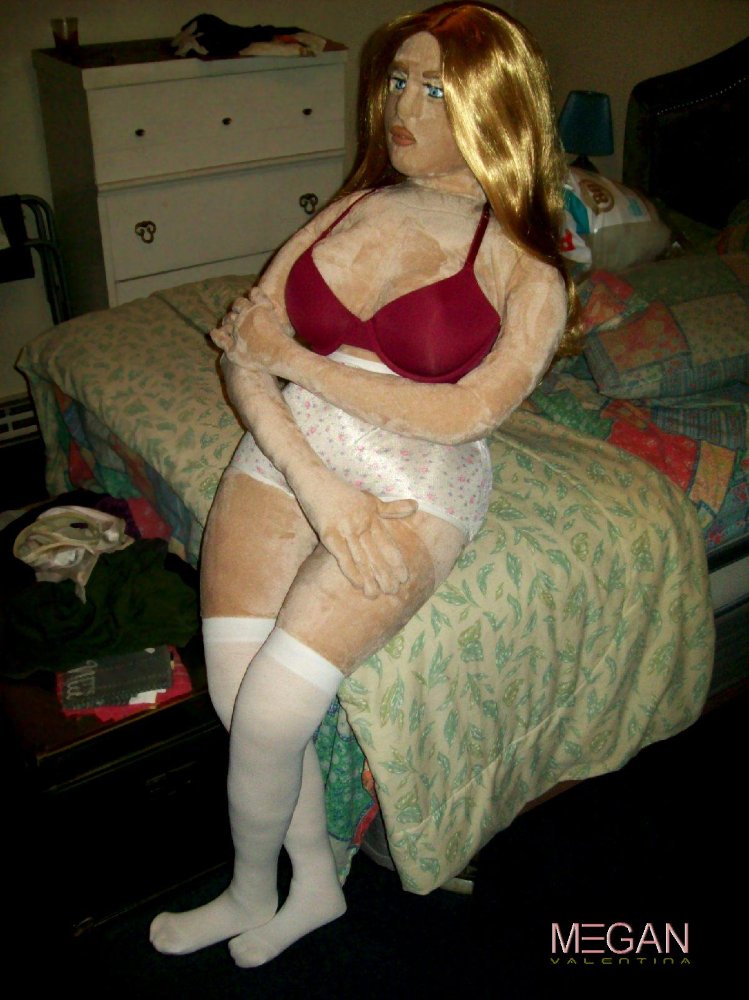
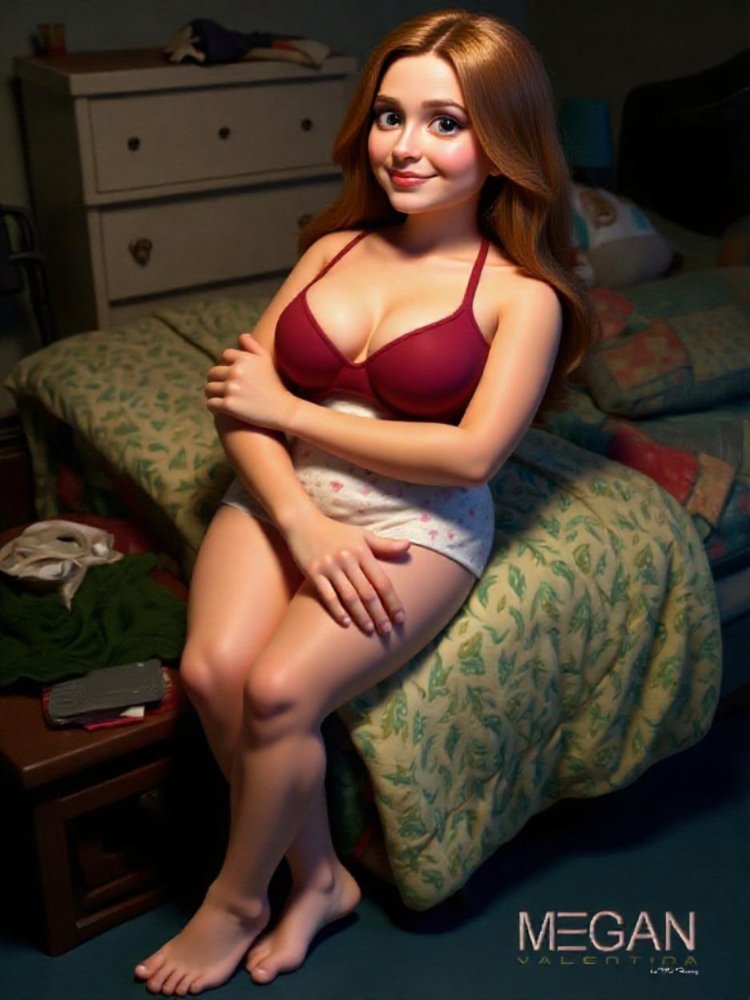
Excellent 👍🏻. She’s gorgeous, and what a fabulous body.
What did you use to create this?
Thanks! Well, that's a little complicated. I'm a bit of a cheapskate, so I rely on free and trial AI software. By design, these have limited capabilities and different strengths and weaknesses. Alone they only produce so-so results, but by combining them, you can get a decent product.
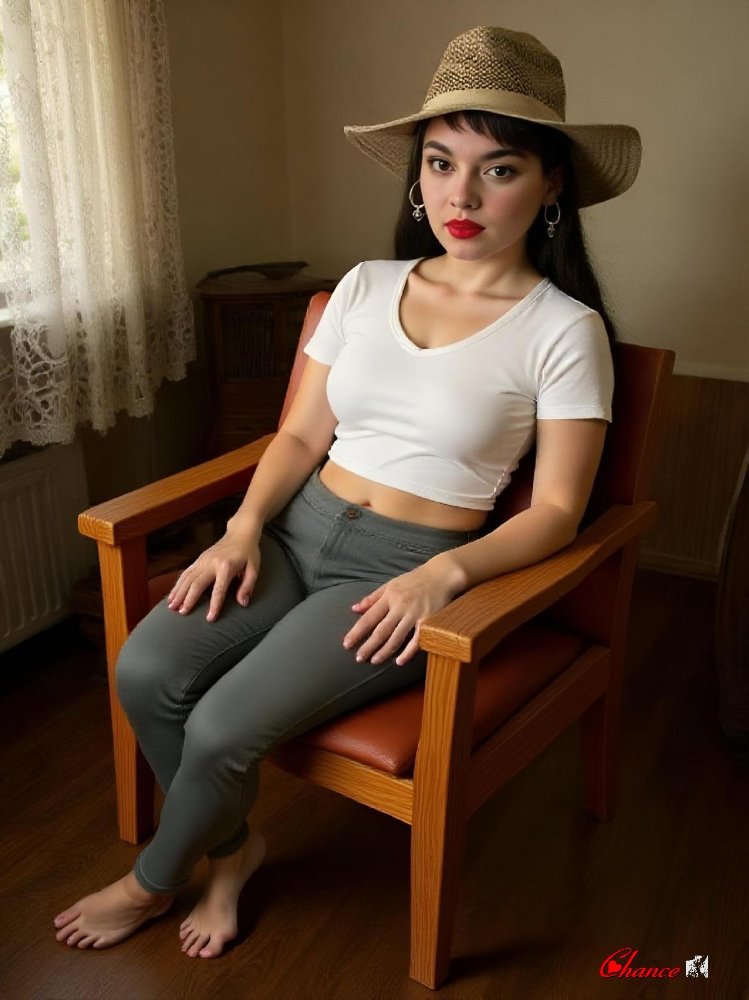
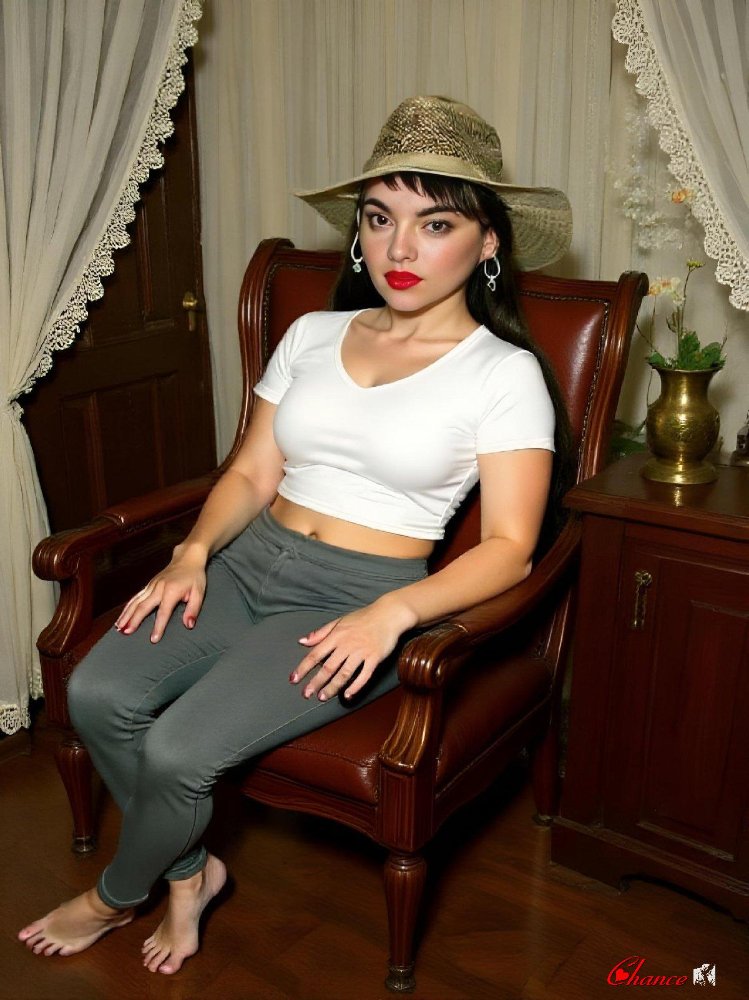
For that animation I used Vheer to change Priya into a real woman. I ran that image through Picard to enhance quality, then sent the result back through Vheer to change her outfit. That gave me something decent to work with.
I ran that through Vider, image to video AI. Vheer also has that capability, but results with the free version leave a lot to be desired. Prompts not followed, distorted animation and so forth. Vider on the other hand, gives quality results, albeit at reduced resolution. They also slap on a watermark and you're limited to 5 seconds per vid, with a 2 render limit per day.
So I took the first render, Priya removing her top, and ran that through DesignX to wipe the watermark. Next onto Video Frame Extractor to capture the last frame of the vid. Took the result back to Picard to enhance image quality, then back to Vider to create the second part of the video, Priya removing her pants, using that frame capture as the starting point.
Ran the 2nd render through DesignX to remove the watermark then merged both vids using Videobolt to make one seamless video. Neat thing about Videobolt, it not only merges two or more videos into one, but also enhances resolution. The finished video is much better quality than the GIF I posted would indicate. Had to reduce both size and quality to get it under the 4 meg posting limit.
A2E is another good free image to video AI. Same 5 second vid and 2 render limit as Vider, but higher resolution. Only problem with them, their watermark is much more pronounced and difficult to remove completely. Both allow NSFW renders.